
Stick'AIR: Geneva
Specific to the canton of Geneva
This feature only applies to the Geneva region.
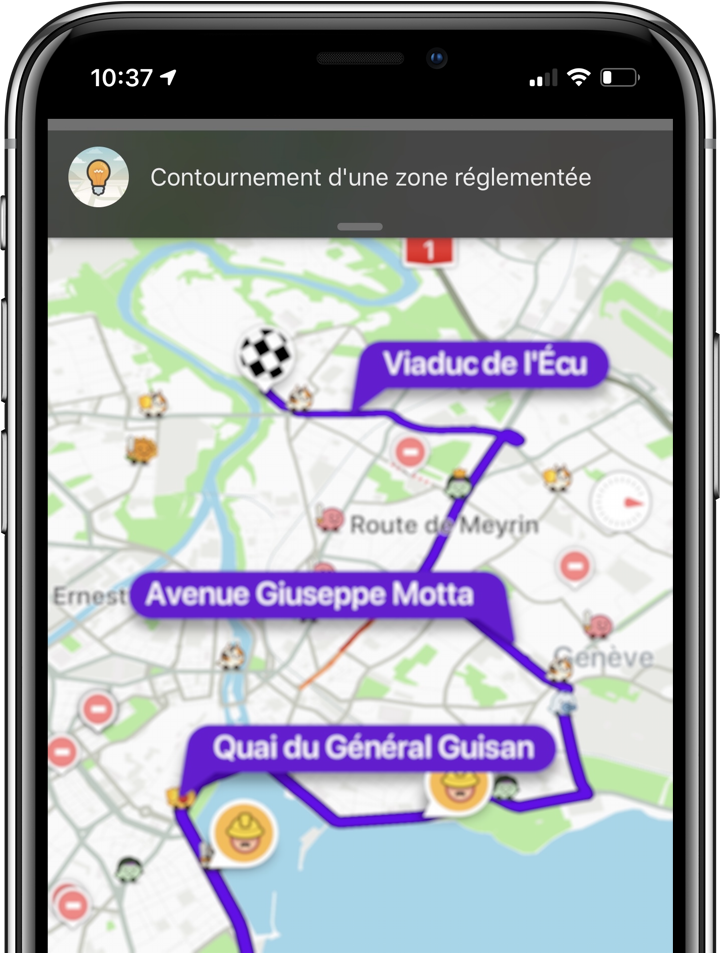
The canton of Geneva applies a differentiated traffic system based on the Stick'AIR environmental sticker. When the authorities activate traffic restrictions (during a pollution peak), Waze automatically calculates alternative routes to avoid the zones prohibited for your vehicle category.
Configuring your Stick'AIR category
- Open Settings in the Waze app
- Go to Add a toll/carpool pass
- Select your Stick'AIR category (0, 1, 2, 3, 4 or 5) according to your vehicle
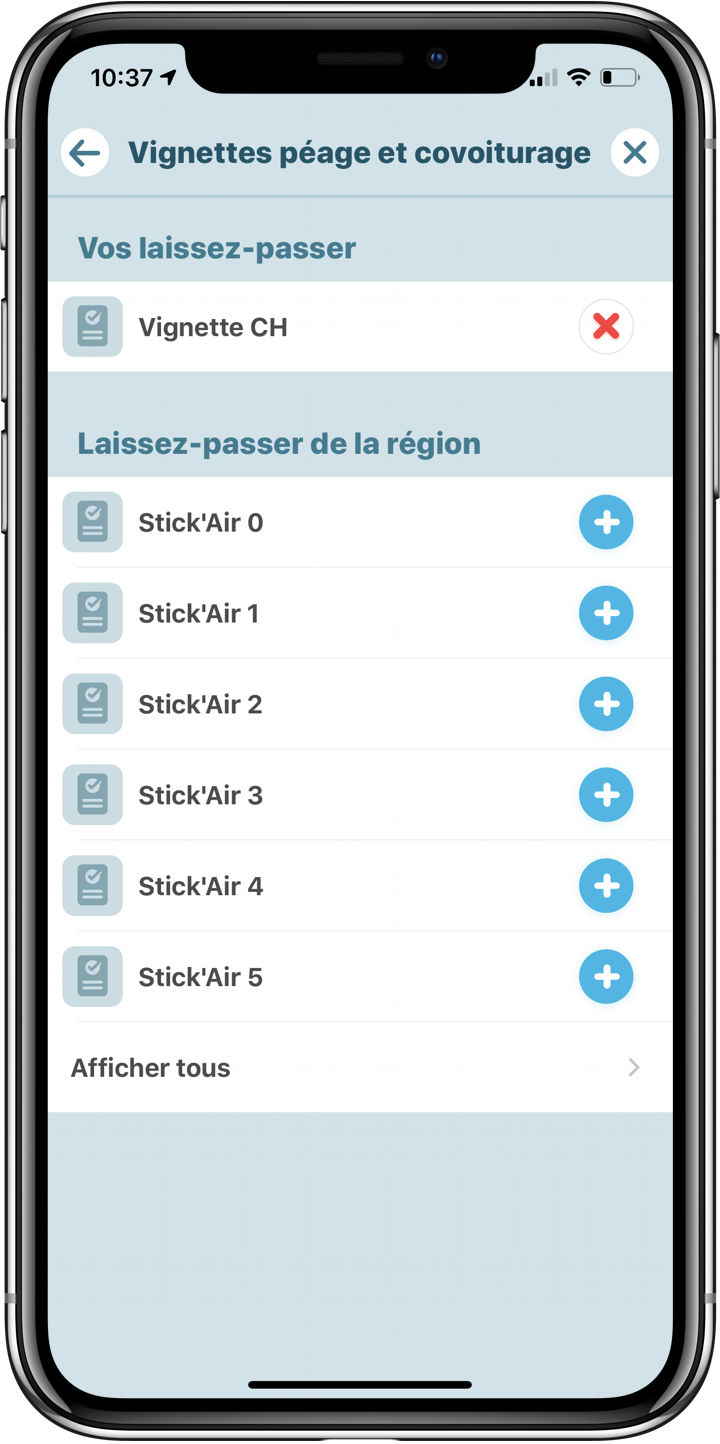
Once configured, Waze adapts the routes and ETAs based on the restrictions in force.
Frequently asked questions
What happens if I don't add a sticker?
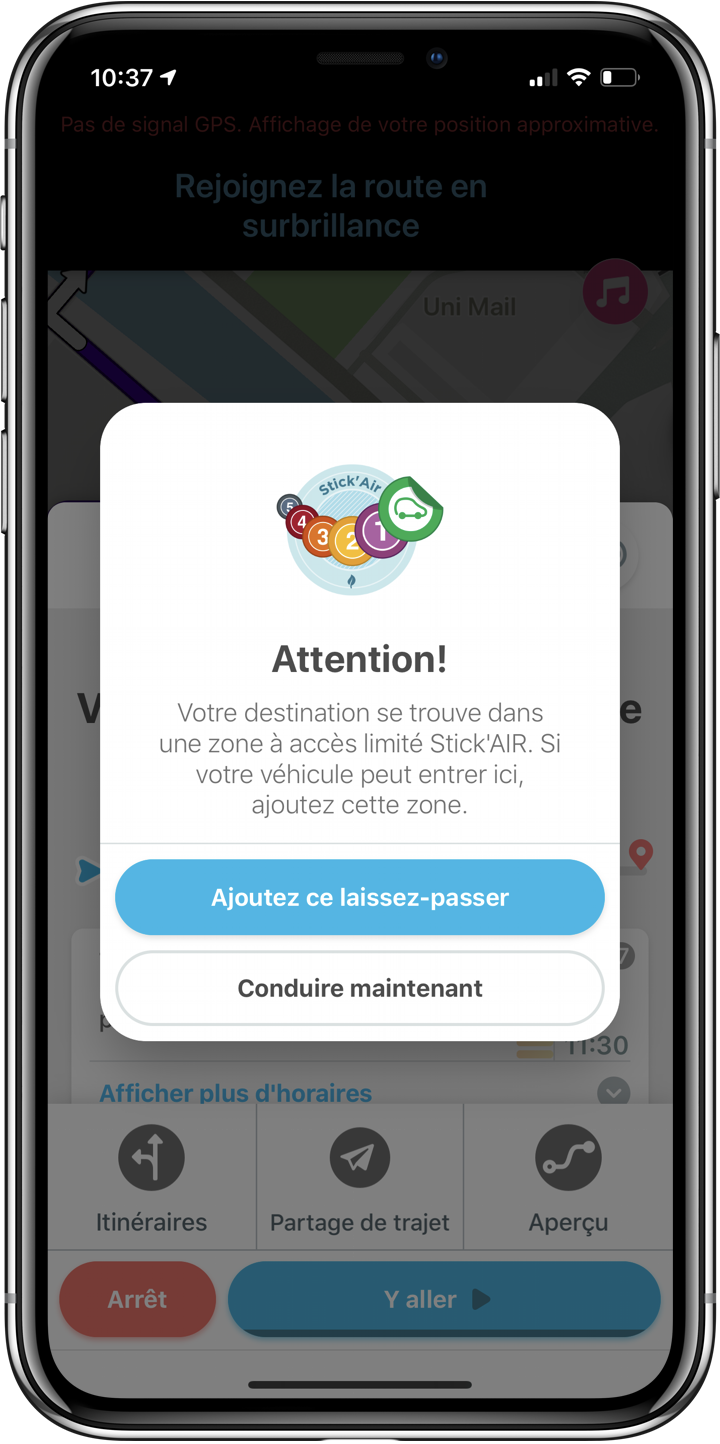
Waze guides you around the restricted zone, or warns you of a risk of a fine if your destination is located inside it.
I already have the French Crit'Air, do I need to configure Stick'AIR separately?
No. The Geneva system recognizes French Crit'Air stickers, which are automatically valid for route calculation in Geneva.